Homeschool Coding
A weekly coding class where kids design their own games and a parent builds them alongside. For ages 5 to 12, with a parent at the table, not at drop-off.
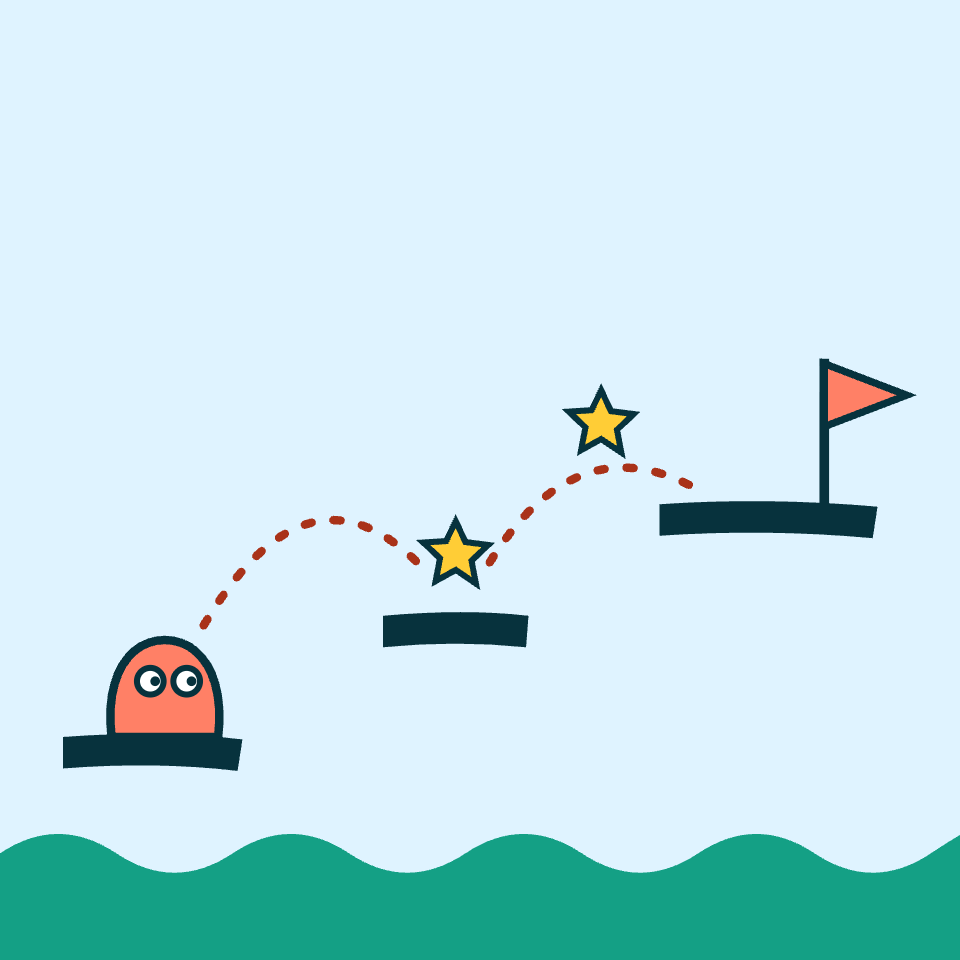
- when flag clicked
- repeat 10
- jump!
- move right
- add a lava pit
How it works
Each week, families meet for about 60 minutes. Parents join in, so what kids learn keeps going at home. Families bring their own device: one per family is all they need, and one per kid is fine too.
Dream it up
Each kid designs their own game: the hero, the rules, and what it takes to win.
Build it together
Everyone starts in ScratchJr with a parent beside them and moves up one step at a time, from Scratch to Blockly to real code. Older kids team up with younger ones as lead programmers.
Share it
Finished games go online with the parent's permission, so kids can show family and friends what they made.
- Break a problem into steps
- Give exact instructions
- Test it
- Fix what went wrong
Who it's for
No coding experience needed. The class is one group, so siblings can come together. Kids first learn to put ideas, problems and solutions into words, then move on to programming languages and AI tools.
ScratchJr
Every kid starts here, with picture blocks that snap together into games and stories. It works for kids who are still learning to read.
Scratch
When a kid is ready, they move up to Scratch to build bigger games. Older kids help younger ones as lead programmers.
Blockly
Blocks that turn into real code, so kids can see the text behind every block they snap together.
Python, JavaScript and the web
Typed code, plus HTML and CSS to build web pages, for kids who've outgrown blocks.
Made by kids
Homeschool Coding grew out of Coding with Dad, what my sons and I do at home. Pantheon School is our family homeschool, and my two sons design games that we build together: they sketch their ideas, choose the rules and test every change.
Orion and Apollo started with ScratchJr and Scratch, then moved on to Blockly. Now they're learning HTML, CSS and JavaScript, keeping their work in GitHub, modeling in Blender and building with Claude.
Every game teaches problem solving, coming up with ideas and working as a team, and practices skills like math and spelling along the way.
Robot Battle
A robot fight-and-fix game where every repair is a math fact. The boys drew the robots, and those drawings became the bosses.
Play Robot Battle →What the 36-second video shows, with no sound: a wave fight, then a downed robot repaired with Quick Fix by typing 7 × 3 = 21 and matching 12 ÷ 6 to 2. The robot reboots and joins the squad. It ends on the parent's facts-mastery screen: a 9 × 9 grid of times facts, the slowest facts, and minutes practiced per day. The practice history comes from a demo profile we set up for this video, not a real child's.
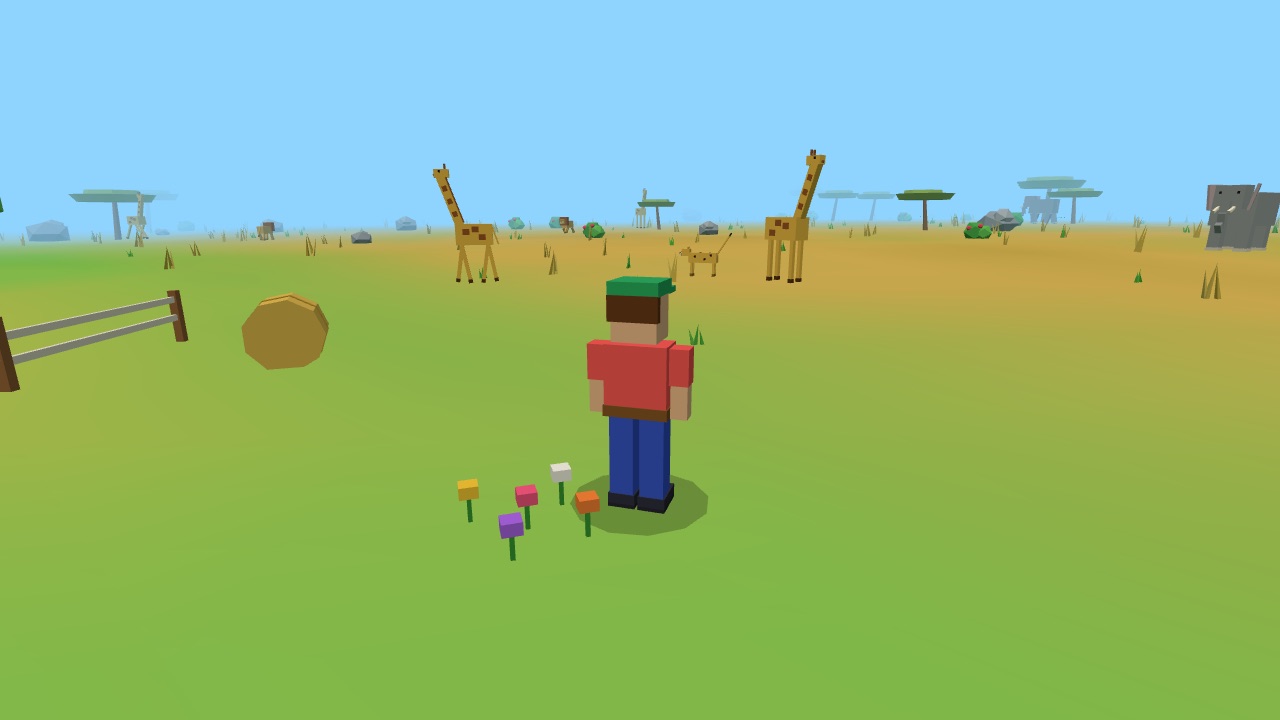
Wild World
Walk anywhere, meet animals and become them. Every animal you meet goes into your book, and there are 18 to find, with spelling practice along the way. Two players on the same home network can race, play tag and hunt for animals together. Apollo's newest game.
Play Wild World →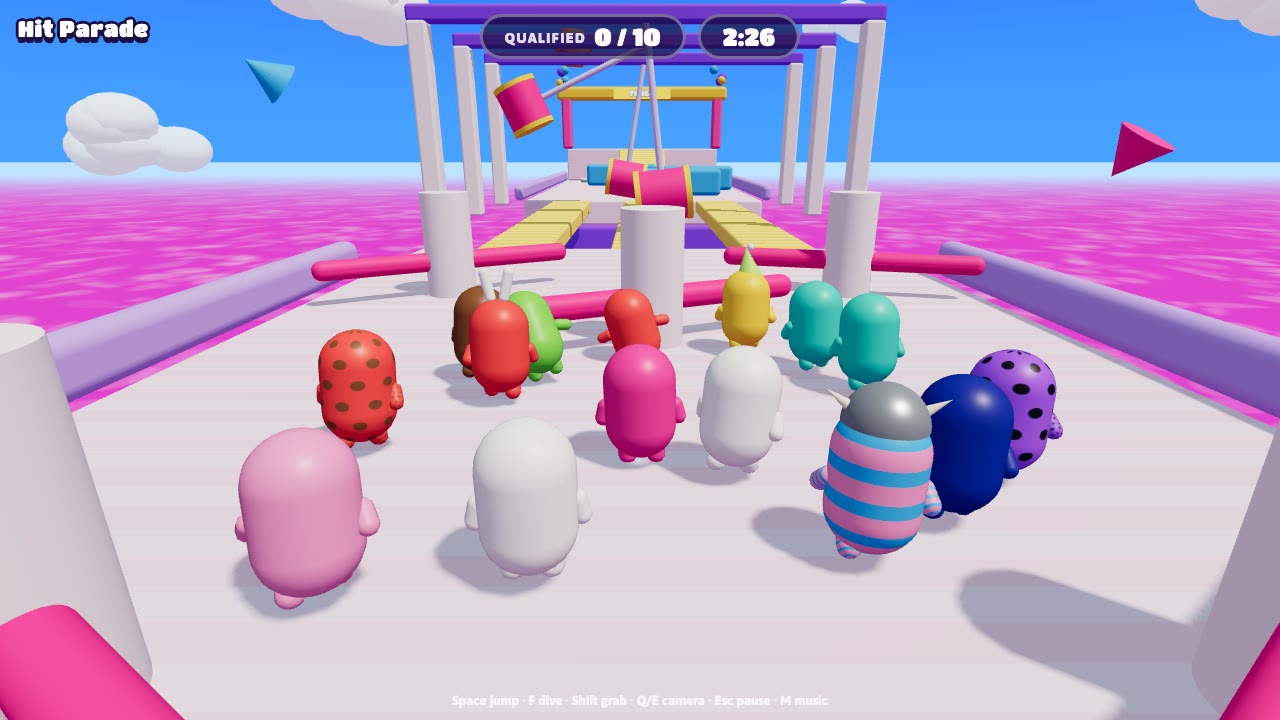
Family Knockout
A party race where a crowd of players runs, jumps and dives past swinging obstacles, and only the fastest make it to the next round.
Play Family Knockout →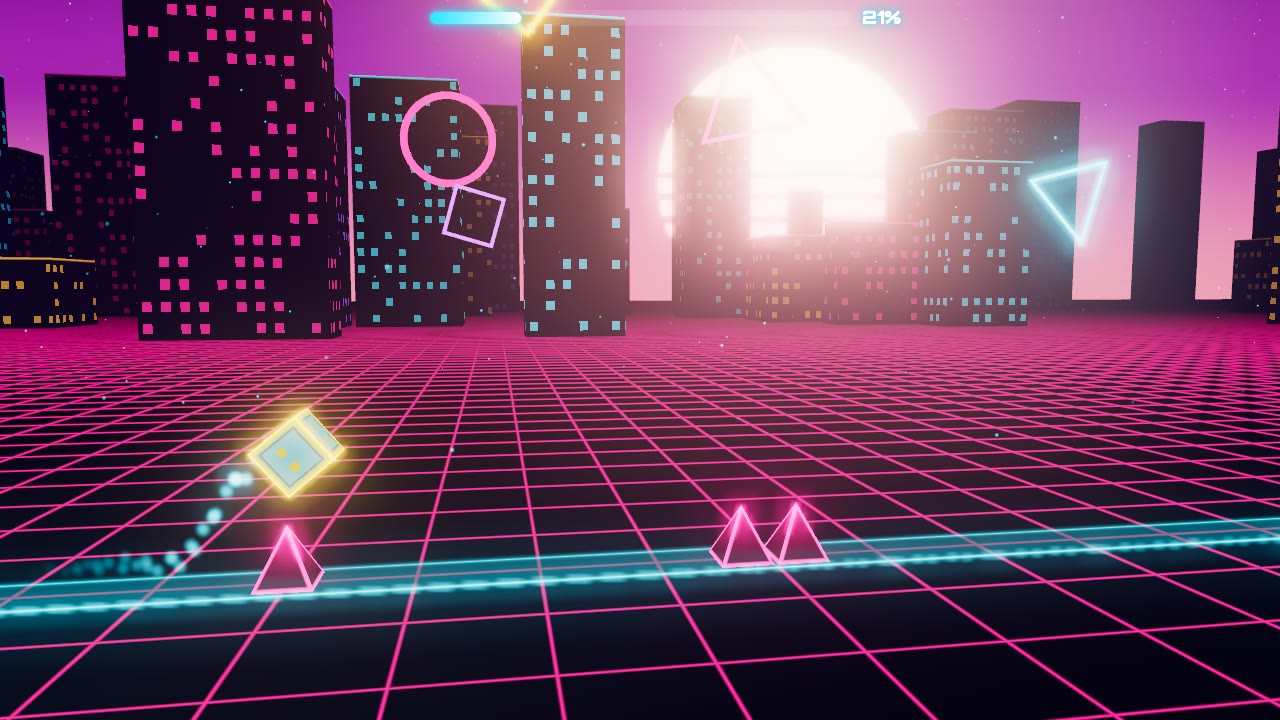
Neon Dash
A runner where a glowing cube races through a neon city, and every spike has to be jumped at just the right moment.
Play Neon Dash →Pricing
Family pricing for homeschool families, who often have more than one kid. A parent comes along at no extra cost.
A weekly 60-minute session, with a parent taking part.
The same weekly session for both kids.
The same weekly session for all three.
More than three kids? Add $25 a month for each additional kid.
Founding families: families in the first class keep their price for a full year.
Join the interest list
The first class starts once enough families sign up. The day, time and library will be set from what works for the families on this list, so tell us yours. Joining doesn't commit you to anything.
Join the interest listWhat we ask and why. We ask a parent for their name, email, part of Hampton Roads, how many kids and their ages, which days and times work, which devices they have, and anything else you'd like to tell us. We don't ask for children's names.
We use it only to plan the class and to contact you about it. We never sell or share it. To be taken off the list, reply to any email from us.